
How to Receive and Withdraw Money on PayPal in the Philippines: A Complete 2026 Guide
Feb 26, 2026
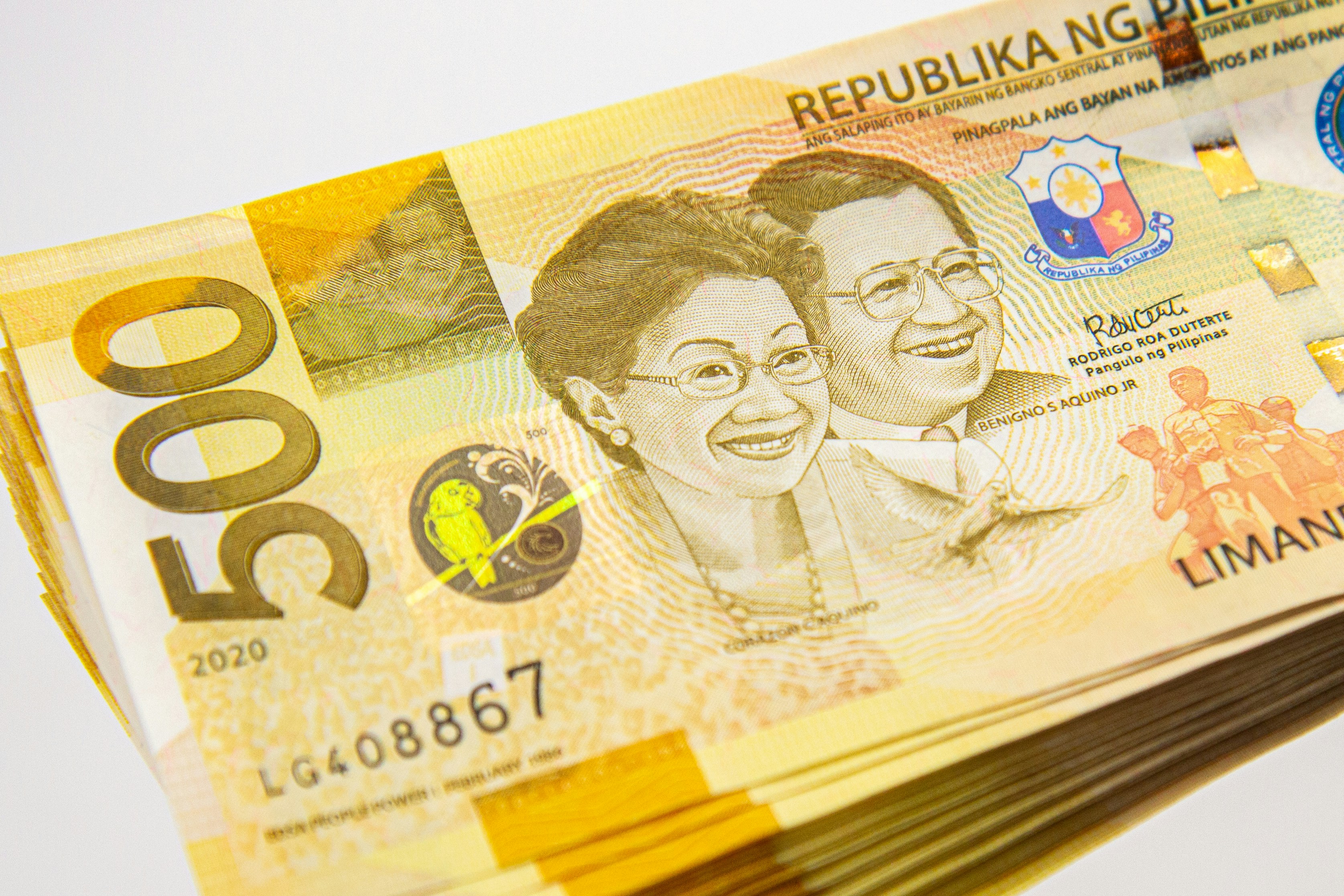
If you’re searching for how to receive and withdraw money on PayPal in the Philippines, the short answer is this: create and verify your PayPal account, link it to a Philippine bank account or card, receive funds using your registered email address, and transfer the balance to your bank through PayPal’s withdrawal system.
However, the full process involves verification steps, currency considerations, withdrawal timelines, and potential fees that can affect how much you actually receive. This guide explains everything in detail, including common issues and how to minimize conversion losses.
How PayPal Works in the Philippines
PayPal operates in the Philippines as a cross-border payment platform that allows users to:
Receive international payments
Send money globally
Convert foreign currencies
Withdraw funds to local bank accounts
PayPal is widely used by freelancers, online sellers, remote workers, and digital service providers who work with international clients.
According to the official PayPal Help Center documentation, users must complete identity verification and link a withdrawal method before transferring funds to a local bank.
Step 1: Create and Verify Your PayPal Account
To receive and withdraw money on PayPal in the Philippines, start by creating an account at the official PayPal website.
You can choose between:
Personal account (for freelancers and individuals)
Business account (for registered businesses and online stores)
After registration, you must verify your account by:
Confirming your email address
Linking and confirming a bank account or card
Submitting identification documents if requested
Verification is critical. Unverified accounts may face withdrawal limits or temporary restrictions.
Step 2: Receive Money on PayPal
Once your account is active, you can receive payments by sharing:
Your registered PayPal email address
A PayPal invoice
A payment request link
When someone sends funds, the balance appears in your PayPal wallet.
Depending on the sender’s location and currency, the funds may arrive in:
USD
PHP
Another foreign currency
PayPal may automatically convert the currency depending on your account settings.
Step 3: Link a Philippine Bank Account
To withdraw funds, you must link a local bank account.
In your PayPal dashboard:
Go to “Wallet.”
Click “Link a bank account.”
Enter your bank details (bank name, account number).
Most major Philippine banks are supported.
PayPal may send a small test deposit to confirm ownership. Once verified, you can proceed with withdrawals.
Step 4: Withdraw Money from PayPal to Your Bank
To withdraw:
Go to your PayPal balance.
Click “Transfer Funds.”
Choose your linked bank account.
Enter the withdrawal amount.
Confirm the transfer.
Processing times typically range from one to five business days.
In some cases, PayPal offers instant transfers for a higher fee.
Understanding PayPal Fees in the Philippines
Receiving and withdrawing money through PayPal involves multiple possible fees.
Receiving Fees
If you receive commercial payments, PayPal deducts a percentage-based fee. This fee varies depending on:
Sender’s country
Transaction type
Currency
Detailed rates are available in the official PayPal merchant fee schedule.
Currency Conversion Fees
If you receive USD but withdraw to a PHP bank account, PayPal applies a currency conversion spread.
This FX markup can significantly reduce your take-home amount.
For example, if the market exchange rate is 56 PHP per USD, PayPal’s applied rate may be lower after markup.
Over time, repeated conversions can materially impact earnings.
Withdrawal Fees
Standard withdrawals may be free if they meet minimum thresholds. However:
Instant transfers incur additional fees
Some smaller withdrawals may trigger fixed charges
Always review the transfer summary before confirming.
Common Issues When Receiving and Withdrawing Money
Even experienced users encounter challenges.
Account Limitations
Accounts may be temporarily limited if PayPal detects unusual activity. This can delay withdrawals.
Incorrect Bank Details
Mistyped account numbers can cause transfer failure and processing delays.
Delayed Posting
Withdrawals may take longer during holidays or peak transaction periods.
Maintaining complete documentation and verifying account details reduces these risks.
Managing Currency Strategically
If you frequently receive USD payments, converting immediately to PHP may not always be optimal.
Consider:
Holding USD balance temporarily
Monitoring exchange rate trends
Comparing PayPal’s FX rate with alternative solutions
For professionals earning primarily from international clients, FX strategy can significantly affect net income.
Alternatives for Receiving International Payments
While PayPal remains widely used, freelancers and remote workers often explore complementary payment infrastructure to reduce fees and improve flexibility.
For example, Hurupay Inc. provides multi-currency accounts that allow users in the Philippines to receive USD, EUR, and GBP payments while holding foreign currencies before conversion. This can reduce unnecessary exchange losses for professionals working with global clients.
For high-volume earners, comparing transaction costs across platforms may help optimize take-home income.
Tax Considerations for PayPal Users
Income received via PayPal is generally considered taxable.
Freelancers and business owners should:
Track gross payment amounts
Record PayPal fees as business expenses
Maintain transaction records
Consult a licensed accountant
Proper record-keeping simplifies compliance with local tax obligations.
Frequently Asked Questions
How long does it take to withdraw money from PayPal in the Philippines?
Standard transfers typically take one to five business days. Instant transfers may be available at an additional cost.
Can I withdraw USD directly to a USD account?
If you have a Philippine USD account, PayPal may allow withdrawal in USD, subject to eligibility and bank compatibility.
Why is my PayPal withdrawal amount lower than expected?
This is usually due to currency conversion spreads or transaction fees deducted during processing.
Final Answer: How to Receive and Withdraw Money on PayPal in the Philippines
To receive and withdraw money on PayPal in the Philippines:
Create and verify your PayPal account.
Receive payments through your registered email or invoices.
Link and confirm a Philippine bank account.
Transfer funds from your PayPal balance to your bank.
Monitor fees and FX rates before confirming withdrawals.
The process is straightforward, but understanding fees and currency conversion mechanics is essential to maximizing your earnings.
Conclusion: Maximizing Your PayPal Earnings in the Philippines
PayPal remains one of the most accessible platforms for cross-border payments. For freelancers and online businesses in the Philippines, it provides a familiar and globally accepted payment method.
However, long-term income optimization requires awareness of:
Transaction fees
FX spreads
Withdrawal timelines
Alternative infrastructure options
By understanding how to receive and withdraw money on PayPal in the Philippines and by managing currency conversion strategically you can reduce friction and protect more of your international earnings.