
How to Convert USD to PHP in PayPal: Fees, Rates, and Smarter Alternatives
Mar 9, 2026
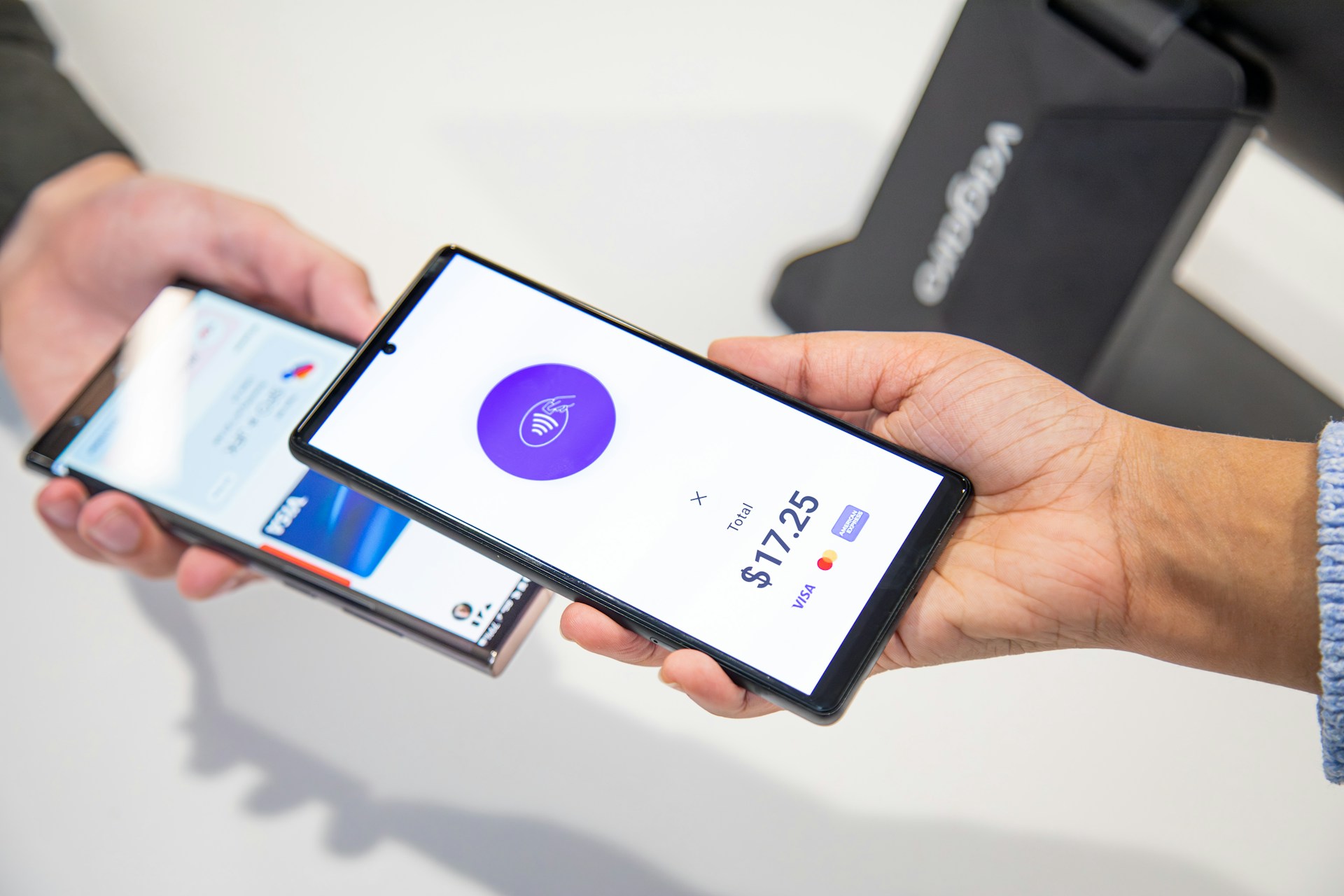
If you receive payments in U.S. dollars and need Philippine pesos for spending or withdrawals, you can convert USD to PHP in PayPal directly inside your wallet. PayPal provides a built-in currency conversion tool that lets you exchange balances between supported currencies without using external services.
The process is simple: open your PayPal wallet, choose the USD balance, select “Convert currency,” pick PHP, review the exchange rate and fees, and confirm. The converted funds will appear in your PHP balance and can be withdrawn to a linked bank account.
However, conversion costs and exchange rate markups can significantly affect how much you receive. Understanding how PayPal handles currency exchange and when alternatives may be better helps you keep more of your money.
How PayPal Currency Conversion Works
PayPal functions as a multi-currency wallet. Users can hold balances in several currencies and convert between them without leaving the platform.
When converting USD to PHP:
PayPal applies its own exchange rate.
A currency conversion fee is embedded in that rate.
The converted PHP amount is credited instantly to your wallet.
Unlike mid-market exchange rates you see on financial data sites, PayPal’s rate includes a markup. This is how the platform covers foreign exchange risk and processing costs.
You can review the full conversion details before confirming the transaction.
Step-by-Step: How to Convert USD to PHP in PayPal
1. Open Your Wallet
Log into your PayPal account and navigate to the Wallet section where your currency balances are listed.
2. Select Your USD Balance
Click the U.S. dollar balance you want to convert.
3. Choose “Convert Currency”
Select the option to exchange money between balances.
4. Pick Philippine Peso (PHP)
Choose PHP as the destination currency.
5. Review Exchange Rate and Fees
PayPal will show:
The exchange rate used
The amount you’ll receive in PHP
Any applicable fees
6. Confirm Conversion
Once approved, the PHP balance updates immediately.
PayPal USD to PHP Exchange Rates and Fees
Currency conversion inside PayPal is convenient but not always the cheapest option.
Exchange Rate Markup
PayPal sets its own foreign exchange rate, which includes a margin above the mid-market rate.
Conversion Fees
Fees vary depending on:
Your account type (personal vs business)
Transaction size
Country regulations
PayPal publishes its fee structure in its official documentation, which users can review through the platform’s pricing pages.
Even small percentage differences can add up for freelancers, remote workers, and businesses handling frequent USD payments.
When Should You Convert USD to PHP Inside PayPal?
PayPal conversion is useful when:
You need funds instantly
You want a simple in-app process
The amount is relatively small
Convenience matters more than exchange optimization
For occasional transfers, the built-in tool is usually sufficient.
When External Conversion Options May Be Better
If you regularly receive USD payments or manage higher volumes, alternatives may offer better value.
Multi-Currency Accounts
Some financial platforms provide local receiving accounts and competitive FX rates, allowing you to convert funds with lower margins.
USD Withdrawals Without Conversion
Instead of converting inside PayPal, some users withdraw USD directly to USD-denominated accounts and exchange funds separately.
Global Payment Infrastructure
Businesses and remote professionals who operate across currencies often use platforms that provide:
Local currency accounts
Better FX transparency
Reduced conversion spreads
Centralized multi-currency management
For example, Hurupay enables individuals and businesses to receive international payments in major currencies and manage cross-border transfers more efficiently. This approach can reduce reliance on in-wallet currency conversion and offer more control over exchange timing and costs.
Common Issues When Converting USD to PHP in PayPal
Hidden Cost Perception
Fees are embedded in exchange rates, making them less obvious than fixed charges.
Currency Balance Confusion
Users sometimes send funds without realizing which balance is being used.
Withdrawal Restrictions
Some banks accept only local currency, forcing conversion before withdrawal.
Understanding PayPal’s wallet structure helps prevent surprises.
Tips to Reduce Conversion Costs
Compare PayPal’s rate with mid-market benchmarks before converting
Convert larger amounts less frequently to reduce cumulative spreads
Check if your bank supports USD withdrawals
Consider multi-currency financial platforms if you transact globally
Small optimizations can significantly improve net payouts over time.
Is It Safe to Convert Currency in PayPal?
Yes. PayPal operates as a regulated financial service provider and uses secure payment infrastructure. Currency conversions occur within your account environment and follow established financial safeguards.
Conclusion
To convert USD to PHP in PayPal, use the wallet’s built-in currency exchange tool to move funds from your USD balance into Philippine pesos instantly. The process is straightforward and convenient, especially for quick or occasional transfers.
However, PayPal’s exchange rate markup can affect how much you receive. Frequent international earners and businesses may benefit from comparing alternatives that offer stronger FX transparency and multi-currency flexibility.
Choosing the right conversion method depends on how often you transact, the amounts involved, and how much exchange efficiency matters to your financial workflow.